
IT procurement / 13 September 2026
A better IT equipment procurement checklist
How organisations in Zambia can turn operational requirements into clearer specifications, supplier checks, and more supportable IT equipment purchases.
01
Define the work before the device
An IT purchase goes wrong early when the request is only a brand name, a model copied from an old quotation, or a broad phrase such as high-spec laptop. Begin with the work: applications used, number of users, locations, travel, data sensitivity, connectivity, power conditions, peripherals, and the expected service life. Separate requirements that are essential from features that are simply preferred.
This produces a specification that suppliers can answer consistently. For a computer, it may cover processor class, memory, storage, screen, ports, operating system, warranty, and compatibility with existing management tools. For networking or storage equipment, include capacity, environment, resilience, licences, configuration, and support. State quantities, delivery location, required documentation, and acceptance checks so that the scope is visible to everyone.
02
Compare the complete cost
The lowest unit price is only one part of the decision. Compare delivery, licences, accessories, installation, configuration, warranty handling, replacement parts, training, support, energy use, and likely upgrades. A device that needs extra adapters, cannot run the required software, or has no practical repair route can cost more over its working life even when its purchase price is attractive.
Create the evaluation method before quotations arrive. Use the same requirement table for each compliant offer and record assumptions separately. Decide how technical fit, delivery, support, warranty, and total cost will be assessed under the organisation's procurement rules. This makes the recommendation easier to review and reduces the risk of changing criteria to favour a product after prices are known.
03
Check the product and the supplier
Supplier due diligence matters because equipment becomes part of the organisation's operational and security environment. NIST's 2026 ICT supplier due diligence guide identifies areas such as provenance, resilience, foundational cyber practices, ownership or control, and supply-chain tiers. The depth of a check should match the risk: a core network device deserves more scrutiny than a spare keyboard.
Ask for clear model identifiers, manufacturer specifications, warranty terms, authorised support arrangements where relevant, and a delivery schedule. Confirm whether equipment is new, refurbished, or end-of-life. Check that serial numbers, licences, and included accessories will be documented. For connected devices, find out how security updates are delivered and for how long. Keep written clarification with the procurement record rather than relying on verbal assurances.
04
Plan delivery and acceptance
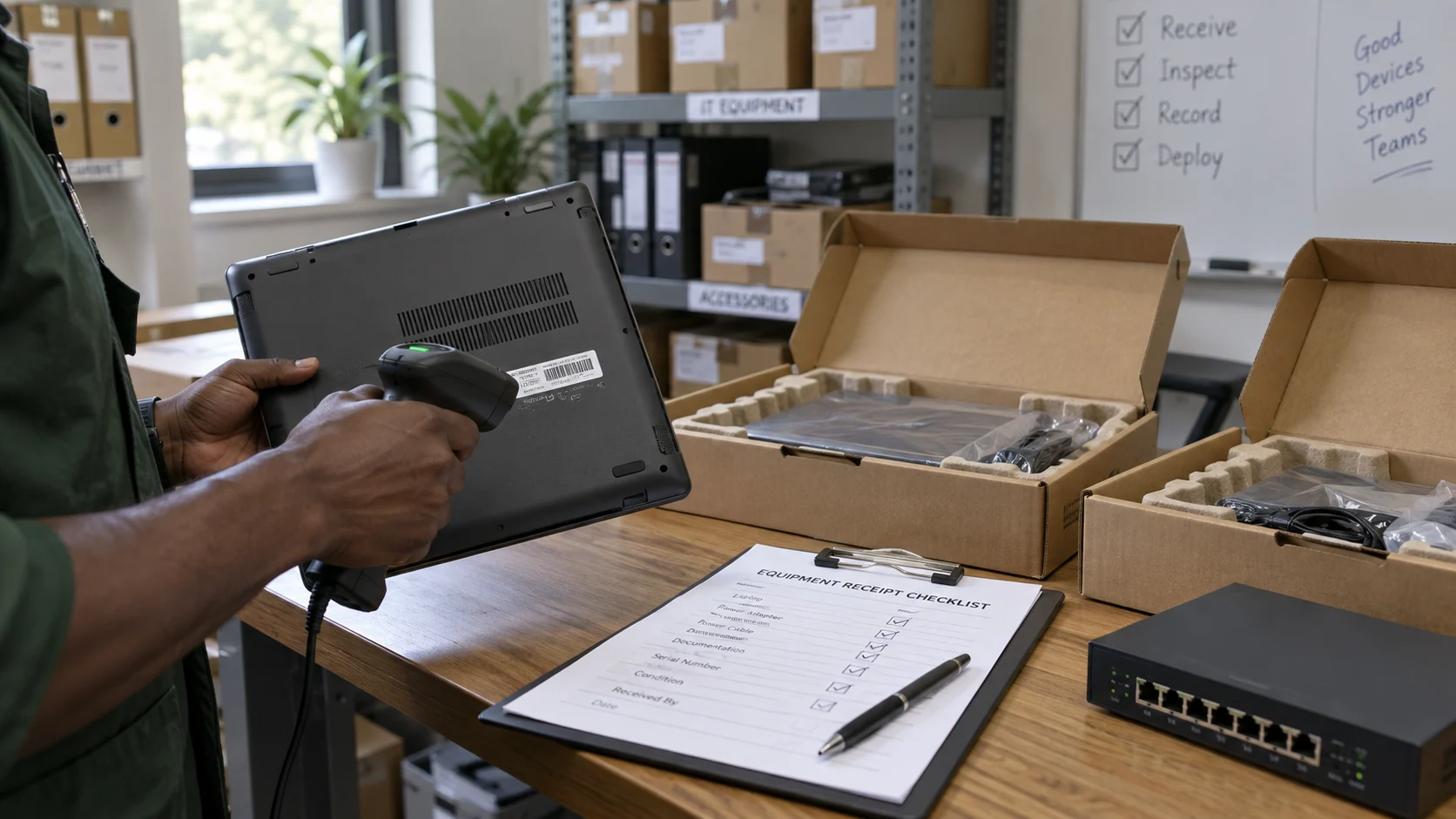
A purchase is not complete when boxes reach the office. Assign someone to inspect quantities, model numbers, condition, accessories, warranty evidence, and licence information against the order. Test a representative device or every critical unit before acceptance. Where configuration or installation is included, define the expected result, the person who signs it off, and the information the supplier must hand over.
Record each asset in a register with its assigned user or location, serial number, warranty period, and key configuration details. Apply approved security settings and updates before general use. Keep packaging or return material until acceptance is finished. For larger deployments, a small first batch can reveal compatibility or setup issues before the remaining devices are rolled out.
05
Make support and disposal part of the plan
Decide how faults will be reported, who can authorise warranty work, what users do while a device is unavailable, and which spares are sensible to hold. NIST's small-business Cybersecurity Framework guidance encourages organisations to connect technology decisions to business priorities and risk management. An equipment register, supported configurations, access control, backups, and an incident route all contribute to that discipline.
Finally, plan replacement and secure disposal from the beginning. Define how organisational data will be removed, which records must be retained, and how equipment will be reused, returned, recycled, or disposed of under applicable requirements. A good procurement creates equipment the organisation can operate, secure, support, and retire. The checklist is therefore a lifecycle, not just a quotation request.
Sources
Official references
This ONBRD editorial article draws on the following primary sources. The practical recommendations are ONBRD's interpretation for organisational planning.